.svg)
Long List Creation
Efficient long lists for your buy- & sellside deals.
Build company and investor lists collaboratively and efficiently by filtering structured data using your own search criteria.
Key Benefits
Create long lists efficiently, systematically & collaborative.

Structured Company & Investor Data
Filter companies and investors based on criteria relevant to your deal.


Customizable Analytics
Create and export customizable charts & analytics based on your long list data.

Team Collaboration
Work on long lists together with your team and assign tasks & comments.
Key Features
An Overview of our Long List Creation.

Structured Data Foundation
Access structured company and investor data instead of pulling targets together from scattered sources.

Collaborative List Work
Work on the same long list with your team. Ratings, comments and approvals stay on the list instead of sitting in parallel Excel versions.

Custom Search & Filters
Combine criteria such as industry, region, revenue, profit and headcount until the list matches your deal's search profile.

Custom Analysis Widgets
Analyse your long list where you build it. Assemble exportable stats that matter for your deal and see how your list breaks down.

Export Templates
Export your long list through ready-made templates, so format stays identical across deals and the list is ready to use.

Rating & Prioritisation
Rate targets inside the list, so your team works through the long list by fit rather than alphabetically.
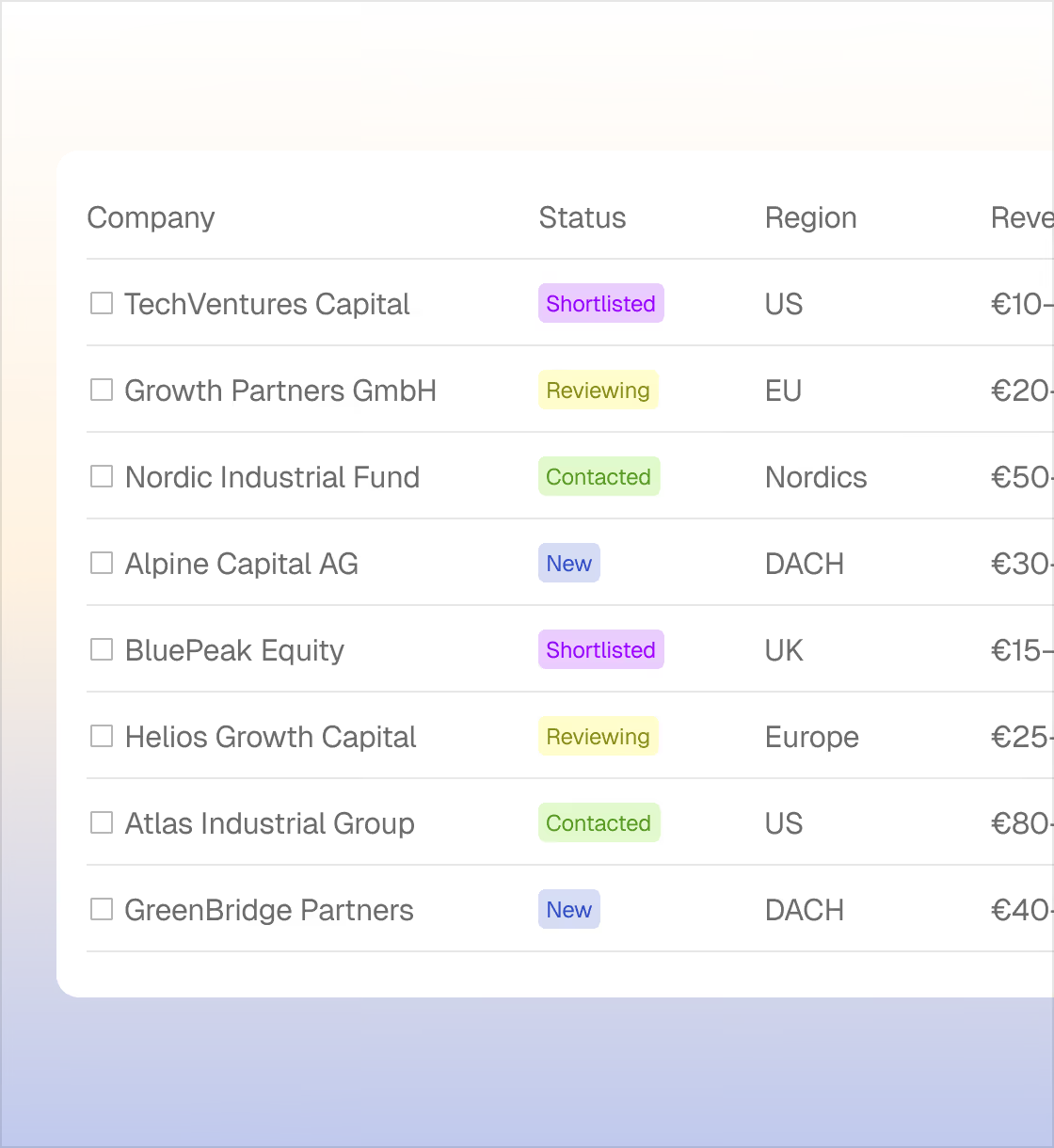
Solution
From search criteria to a long list you can work with.
Faster to your Long List
Long lists in hours instead of days, because the data is already there and you filter, search and select.
No Copy & Paste
Filter, analyse and export in one place instead of switching between database, browser and Excel.
One Version for your Team
Everyone can work on the same list. Ratings and comments stay in the app, so no context is lost at handover.

See how Dealspec fits into your workflow
FAQ
Frequently asked Questions
How do I create a long list in dealspec?
You define your search criteria, filter the structured company and investor data, and move the matches into your long list. You analyse it in the analysis tab, then export it through a template.
Can I export my long list from dealspec?
Yes, through ready-made export templates. Format and structure stay identical across deals, whether you share the list with clients or keep working on it internally.
Who is dealspec's long list creation for?
For M&A Advisors, Private Equity and Search Funds, on both buy-side and sell-side mandates, as well as MBI candidates and Family Offices.
Can I work on a long list with my team in dealspec?
Yes. You work on the same list, with ratings and comments staying on the target company. No more reconciling parallel Excel versions.
What data does dealspec use for long list creation?
From licensed data providers, public registers and company websites, structured and continuously updated. Coverage is deepest for European companies.

Get started